Waitlist
| Category | Fleet management tool |
|---|---|
| Address | https://waitlist.winterco.org/ |
| Status | Active and in use |
| Security | Internally reviewed and modified |
Queue Guide
- Open the website, then select “Waitlist” from the top navigation bar.
- Use the dropdown menu on the right side of the top bar to select the queue you want to join and your character name.
If you cannot find your character in the dropdown list, some of your SeAT authorization has expired. Go to SeAT, re-add the expired characters, then click the “Refresh” button on the right side of the list to reload it. - Click the “Join Queue” button to open the queue page.
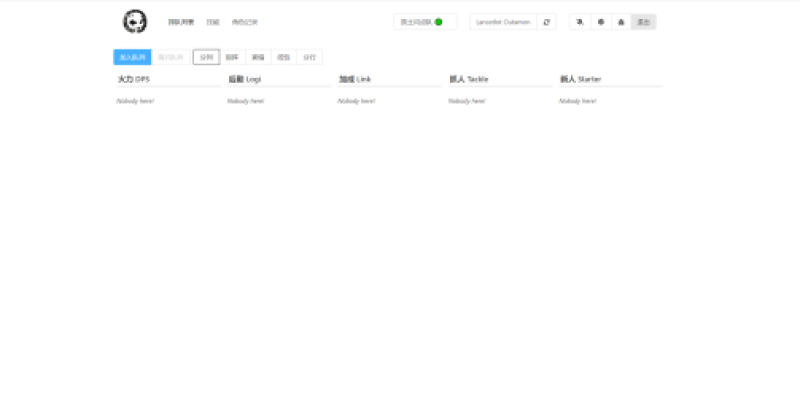
- Your ship fitting is shown on the right. Copy your ship fitting into the input box on the left.
Open the “Fitting” window in the game. In the menu at the lower left of the fitting window, select the option to copy the current fitting to the clipboard, then paste it into the box.
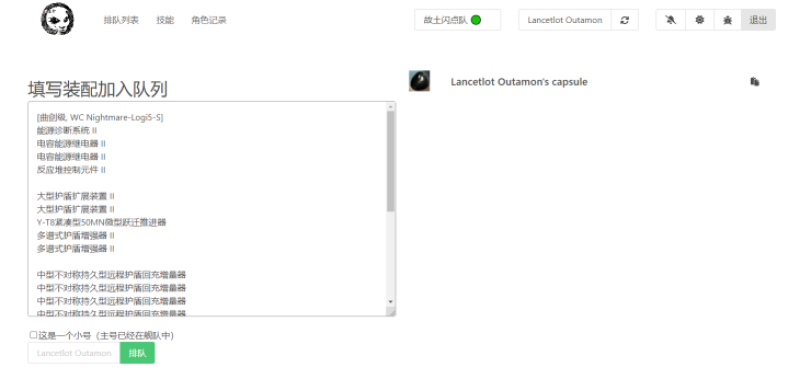
- If you already have a character in the fleet, check the “Alt” checkbox. Verify again that the character name shown to the left of the button is the character you want to add to the fleet, then click the green “Queue” button.
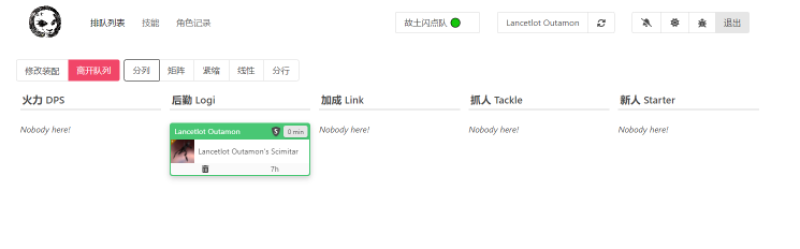
- Wait for the fleet invitation. Check whether CSPA is enabled or invitations from strangers are blocked. If either setting is enabled, we cannot add you to the fleet. Disable these settings or add the FC to your contacts to ensure that you can receive the fleet invitation.
Keep the page open. When the fleet commander invites you, you will receive a push notification. Click the “bell” button in the top-right corner to choose whether to enable notification sounds.


